Make the gate the start of an organised experience. Connect access permissions to membership status through compatible devices and review entry records from your gym platform, keeping your team focused on members.
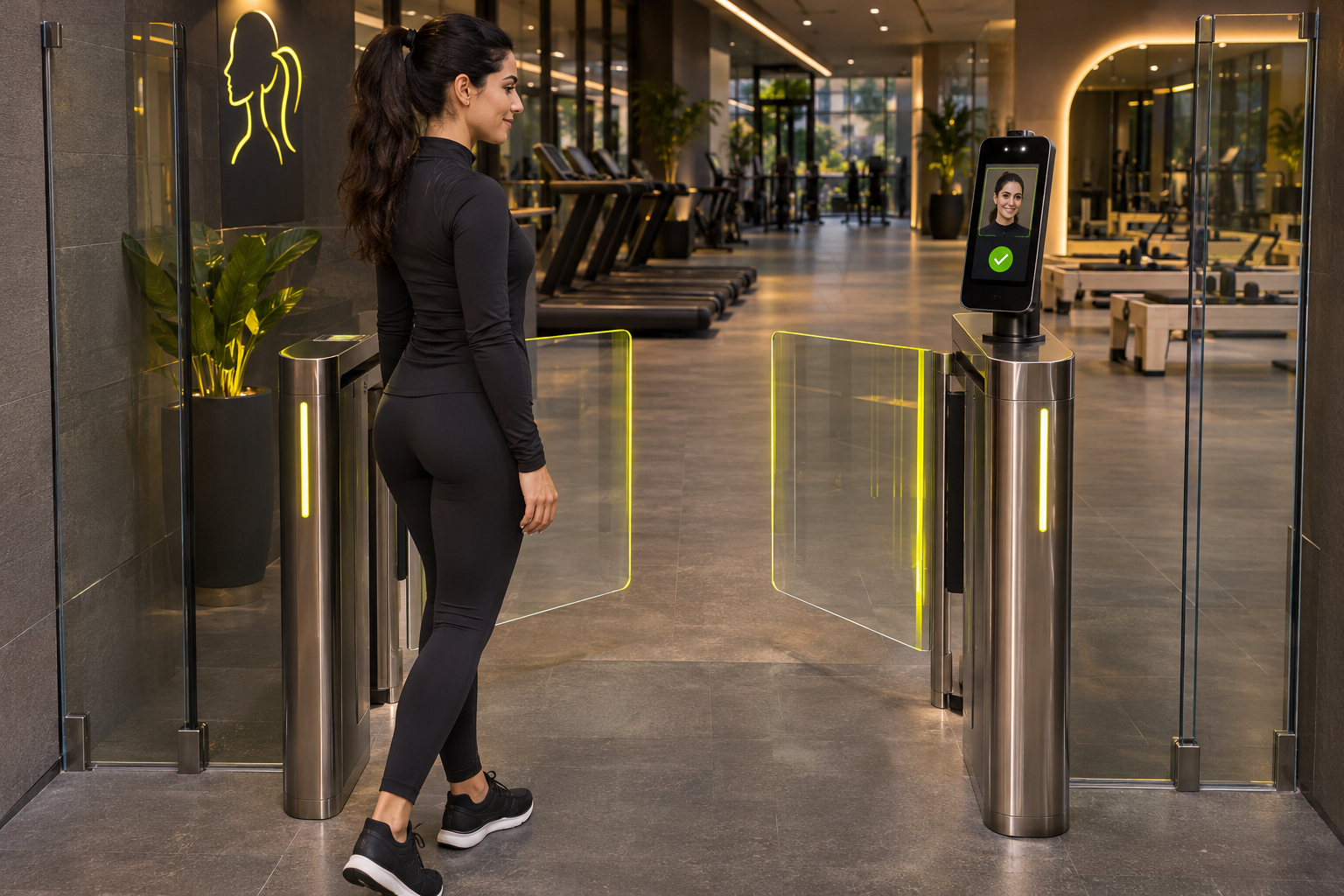
Check Device Compatibility
Configure Access Permissions
Test Operating Scenarios
Review Logs and Synchronisation
Offer facial recognition, fingerprint, QR, or card access according to the device and entry methods supported by the integration.
Organise access to gym facilities and staff areas according to memberships, roles, and the capabilities of the installed devices.
Prepare time-limited guest and trial permissions, checking eligibility according to the options supported by your integration setup.
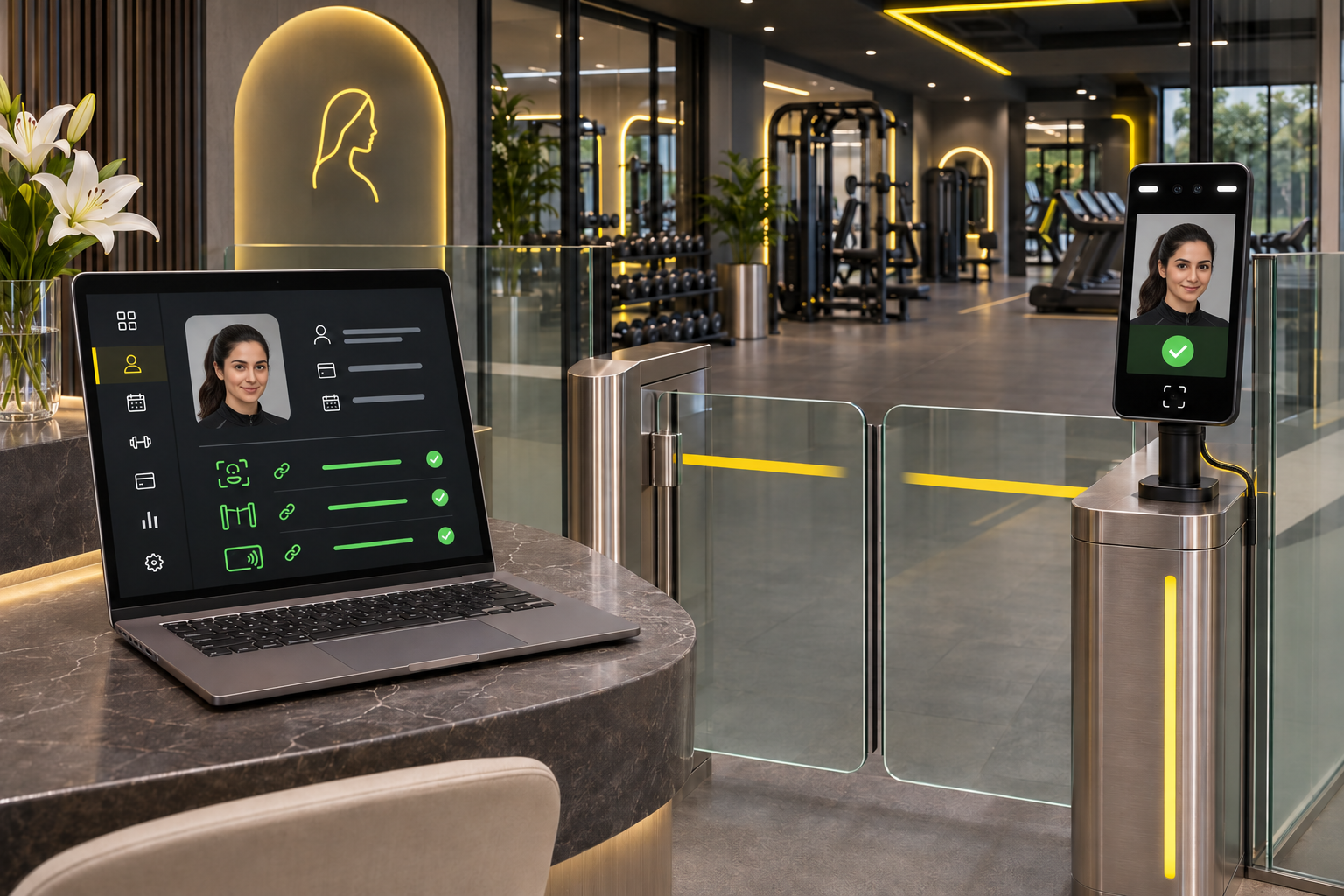
Connect membership data and permissions to compatible devices through a clearly defined setup. We review the device model, connection method, and gate requirements before confirming installation and integration.
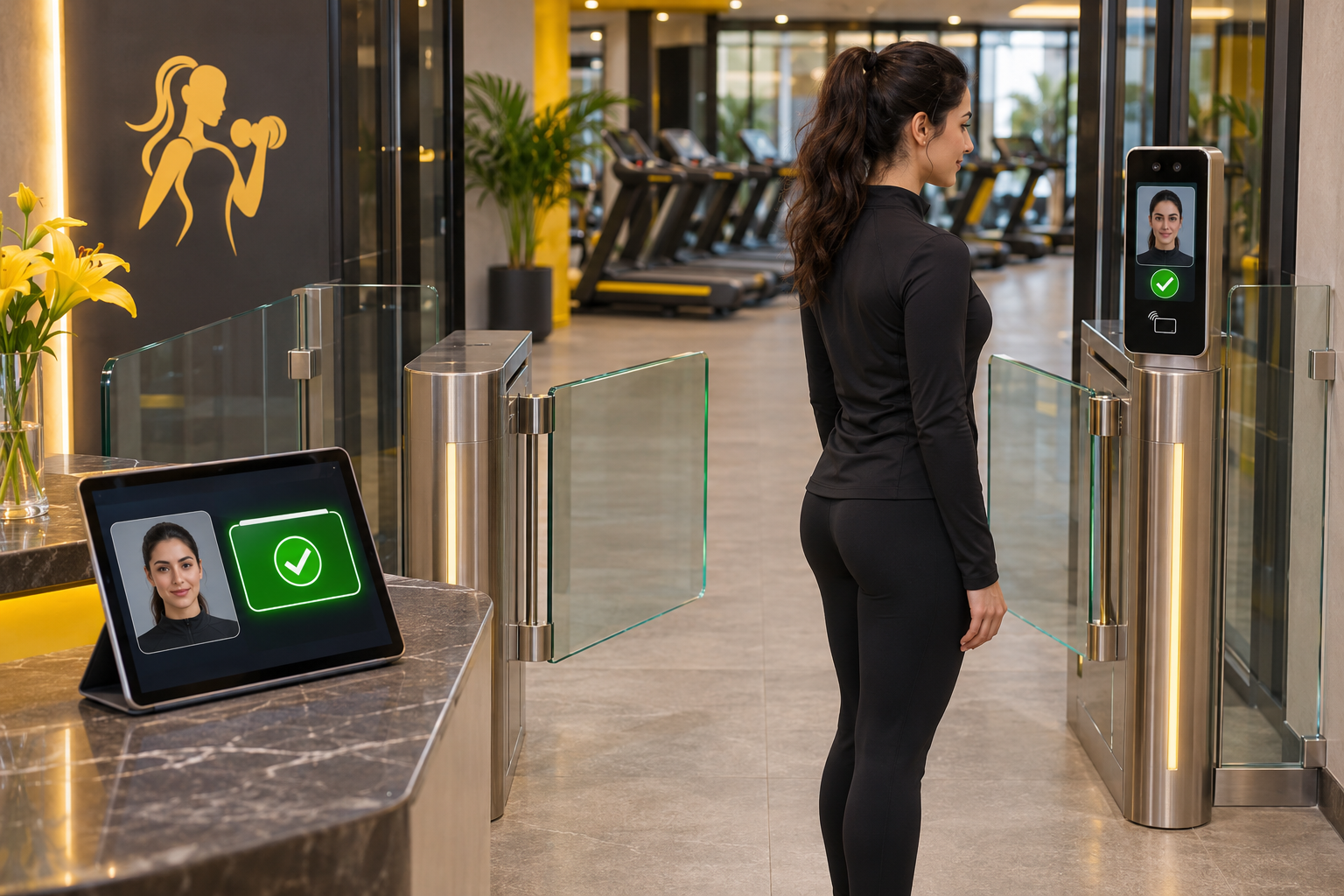
Define when members may enter and how expired memberships and exceptions are reviewed. Any automatic permission changes are tested according to synchronisation, integration, and approved payment settings.
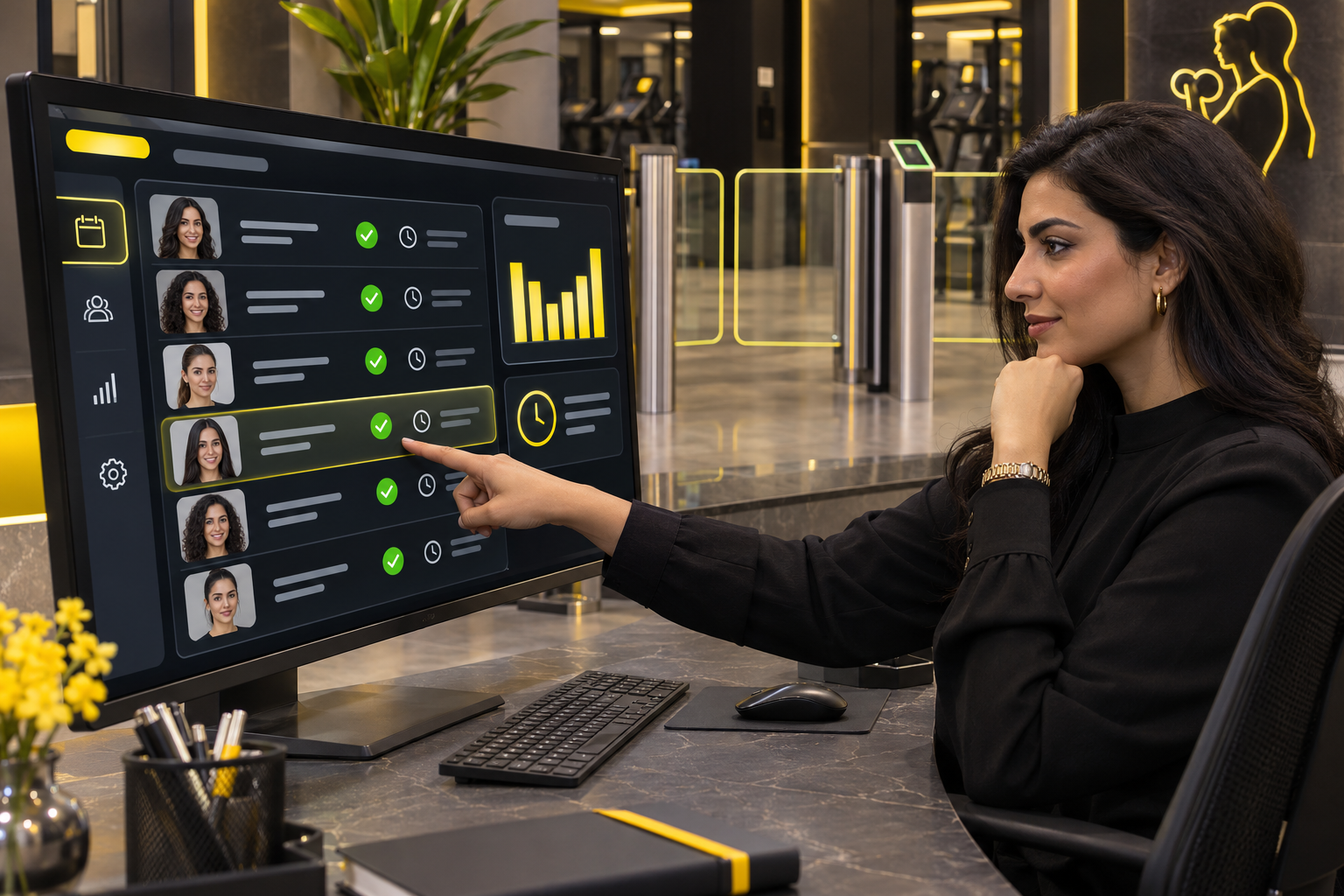
Review entry events, timestamps, and their links to member profiles. Update speed and attendance visibility depend on device connectivity, event recording, and synchronisation settings.
From specialist studios to multi-location gyms, we review entrances, devices, and permission requirements to define a suitable setup. Access control is a separate add-on, with hardware, installation, and integration costs specified in the proposal.
Verify the device model, connection method, and supported functions before choosing your setup.
Use QR entry when the reader and integration support this method and it is enabled.
Offer supported recognition methods through compatible devices, managing enrolment and permissions according to your gym’s setup.
Define permissions for facilities and zones according to the options supported by the system and devices.
Organise guest and trial access using available validity periods and permissions.
Review recorded events, timestamps, and linked member details according to user permissions and integration settings.
Share the device model, connection method, and a setup photo so we can review compatibility and supported functions before confirming integration.
Schedule and permission options are reviewed according to membership, device capabilities, and integration, then tested before activation.
Handling depends on gym rules, payment integration, and device synchronisation. We define the required scenario and test its effect on access permissions before operation.
Attendance records depend on events captured by the devices. A live occupancy count should only be relied upon after entry, exit, and synchronisation have been verified.
Behaviour depends on the device and configuration. Local operation, stored permissions, and synchronisation recovery are reviewed and tested before confirming the operating plan.
Share your entrance count, gate types, and existing recognition devices. We’ll review your needs and outline the required hardware, installation, integration, and testing.